Computer vision in a browser tab
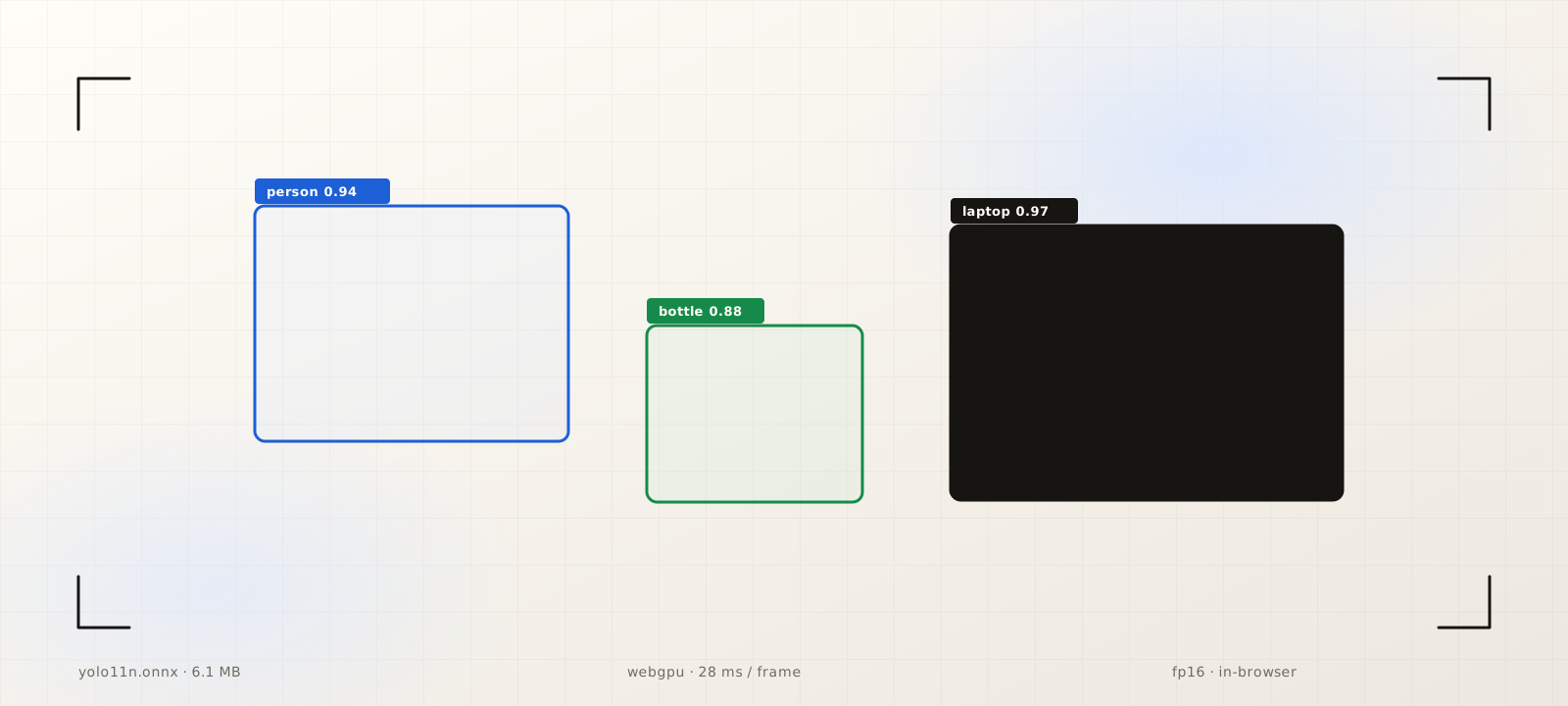
A ~6MB model, ~30ms inference, real-time object detection inside a browser tab. WebGPU and the lightweight YOLO generation have quietly moved the starting question for computer vision projects.
Last week I fine-tuned four object detection models in four days. Each one came out looking about the same. A ~6MB ONNX file, served as a static asset, loaded into a phone's browser tab, running at around 30 milliseconds a frame.
No app install. No server roundtrip. The camera frames never leave the device. That last part matters in regulated work long before anyone puts it on a marketing page.
Two years ago I would not have been able to write that sentence with a straight face. To get useful accuracy and low latency in the same package, you usually had to ship a native app with a GPU backend, or pick which one of latency, accuracy, or model size you were willing to give up in the browser. On-device computer vision was possible. It just came with native pipelines, build matrices, frame copies, and enough glue code to fill a small repo.
Two things changed at roughly the same time.
WebGPU is not a research toy anymore
WebGPU is on by default in every major browser. Chrome and Edge have had it since v113 in 2023. Safari turned it on across iOS 26, iPadOS 26, and macOS Tahoe 26 last September. Firefox got it on Windows in v141, on ARM64 macOS in v145, and on most platforms by v147 this past January. caniuse puts global coverage somewhere north of 70 percent.
The substance matters more than the support chart. WebGPU gives you real compute shaders, modern buffer and binding semantics, and the kind of GPU pipeline ML inference actually wants to live on. ONNX Runtime Web added a WebGPU execution provider in 1.17. Transformers.js v3 made WebGPU a first-class backend for a lot of model families. GPU-accelerated inference is now a few lines of glue away from any static page.
Nano YOLO got a lot better
Ultralytics' YOLO11n ships under 10MB on disk, runs at roughly 4 to 8 GFLOPs per inference, and reports sub-3ms latency on high-end GPUs. Public benchmarks put it at around 2.4ms against YOLOv8n's ~4.1ms on similar hardware, with COCO mAP still in the same neighborhood. Quantize the ONNX export to fp16 or int8 (both supported by the WebGPU and WASM backends) and you land roughly where I started this post: ~6MB on disk, ~30ms per frame on a mid-range phone.
What I care about is not the absolute numbers. It is the slope. Every YOLO generation has trimmed parameters and FLOPs while keeping accuracy roughly flat. That is the curve you want if you are shipping inference to the edge.
What four fine-tunes in four days actually looked like
The setup that made the cadence work is not interesting on its own. The interesting part is how ordinary every step ended up being:
- Dataset curation and labeling with off-the-shelf tools.
- Fine-tuning a YOLO11n checkpoint on one GPU per model.
- Exporting to ONNX with the Ultralytics CLI, quantized to fp16.
- A static page loading the model through ONNX Runtime Web on its WebGPU backend, falling back to WASM when the browser did not have it.
The deployed surface area: a few .onnx files behind a CDN, and a few hundred lines of glue. No backend to provision, scale, or pay for.
The starting question changes
A few ideas I had quietly written off start to look interesting again:
- Field tools for environments where connectivity is unreliable but a phone camera is universal.
- Privacy-sensitive flows where the frames genuinely should not leave the device.
- Interactive surfaces where 100ms server roundtrips kill the feel and on-device inference closes the gap.
- Personalization where a small per-user fine-tune is cheaper to redistribute than to host.
Caveats worth keeping
Mobile coverage is still uneven. Android WebGPU works on recent Chrome with capable GPUs, but vendor fragmentation is real. iOS only crossed the line with iOS 26. Older devices fall back to WebGL or WASM, where the latency story changes meaningfully. Performance is also sensitive to model graph and quantization choice. Some object-detection models in Transformers.js still hit sluggish paths on WebGPU in v3, and the cheapest way to find out is still: ship a quantized variant and benchmark it on real hardware.
The direction of travel is hard to miss, though. Next time you are sketching a computer vision feature and your hand reaches for a backend, it is worth pausing to ask how much of that backend is actually still necessary.
References
- 01WebGPU is now supported in major browsers · web.dev
- 02WebGPU support tables · caniuse.com
- 03Ultralytics YOLO11 documentation · docs.ultralytics.com
- 04YOLO11 small vs. nano comparison · roboflow.com
- 05ONNX Runtime Web: WebGPU execution provider · onnxruntime.ai
- 06ONNX Runtime Web unleashes generative AI in the browser using WebGPU · Microsoft Open Source Blog
- 07Transformers.js v3: WebGPU support, new models and tasks · Hugging Face
Reach out
If something here resonated, I'd love to hear what you're building. Always open to a good conversation.